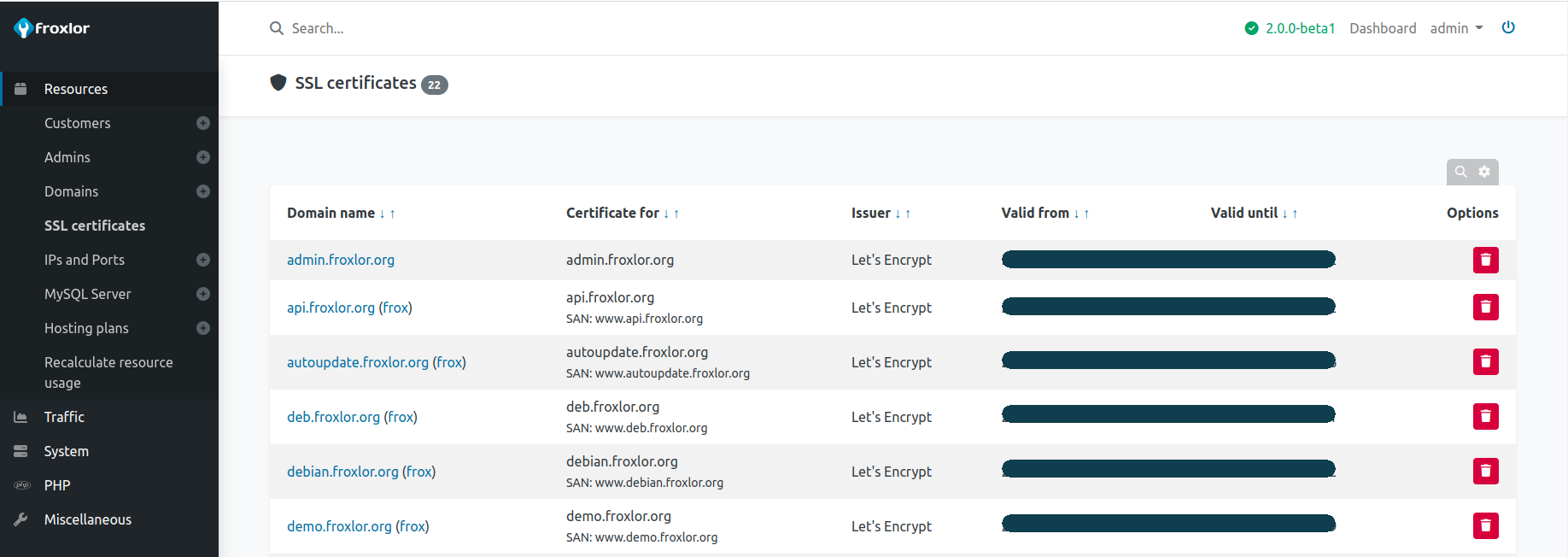
SSL certificates
Here you can see the currently active ssl certificates froxlor manages. For adding / editing certificates please see Resources -> Domains -> SSL editor
NOTE
If you do not see an edit/delete button, the certificate is managed by froxlor (e.g. Let's Encrypt). In order to remove it, deactivate Use Let's Encrypt for the corresponding domain. The cronjob will handle the rest.